
Phone to Tesla screen mirroring
Stream movies, video calls and sat nav from your iPhone or Android phone directly to your Tesla


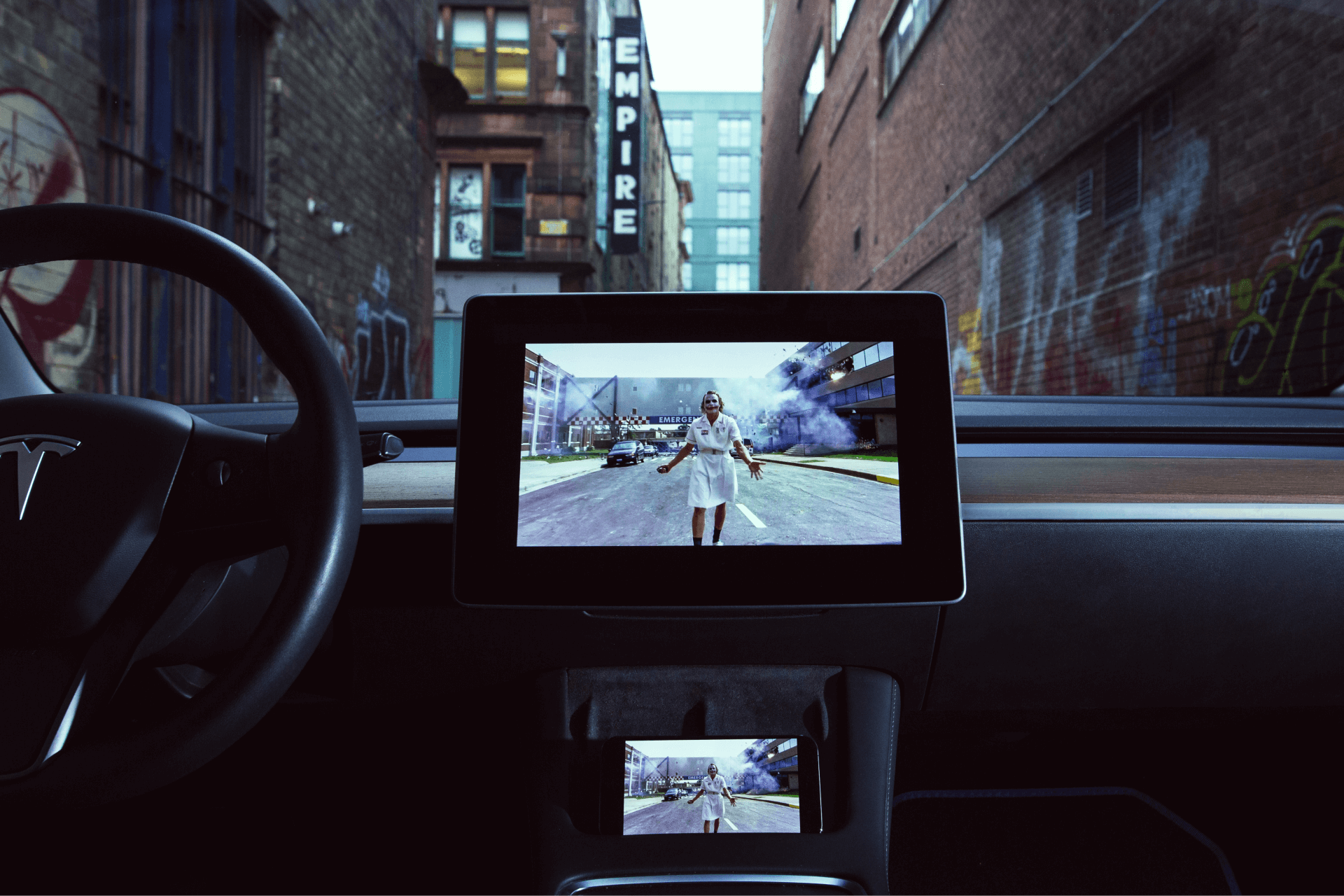
Stream your own movies, video calls or Waze from phone to Tesla
Big screen video calls
Join video calls on your phone and mirror your screen to the Tesla display
Watch your own movies
Watch movies or TV shows from your phone: as a phone, in the browser or in fullscreen
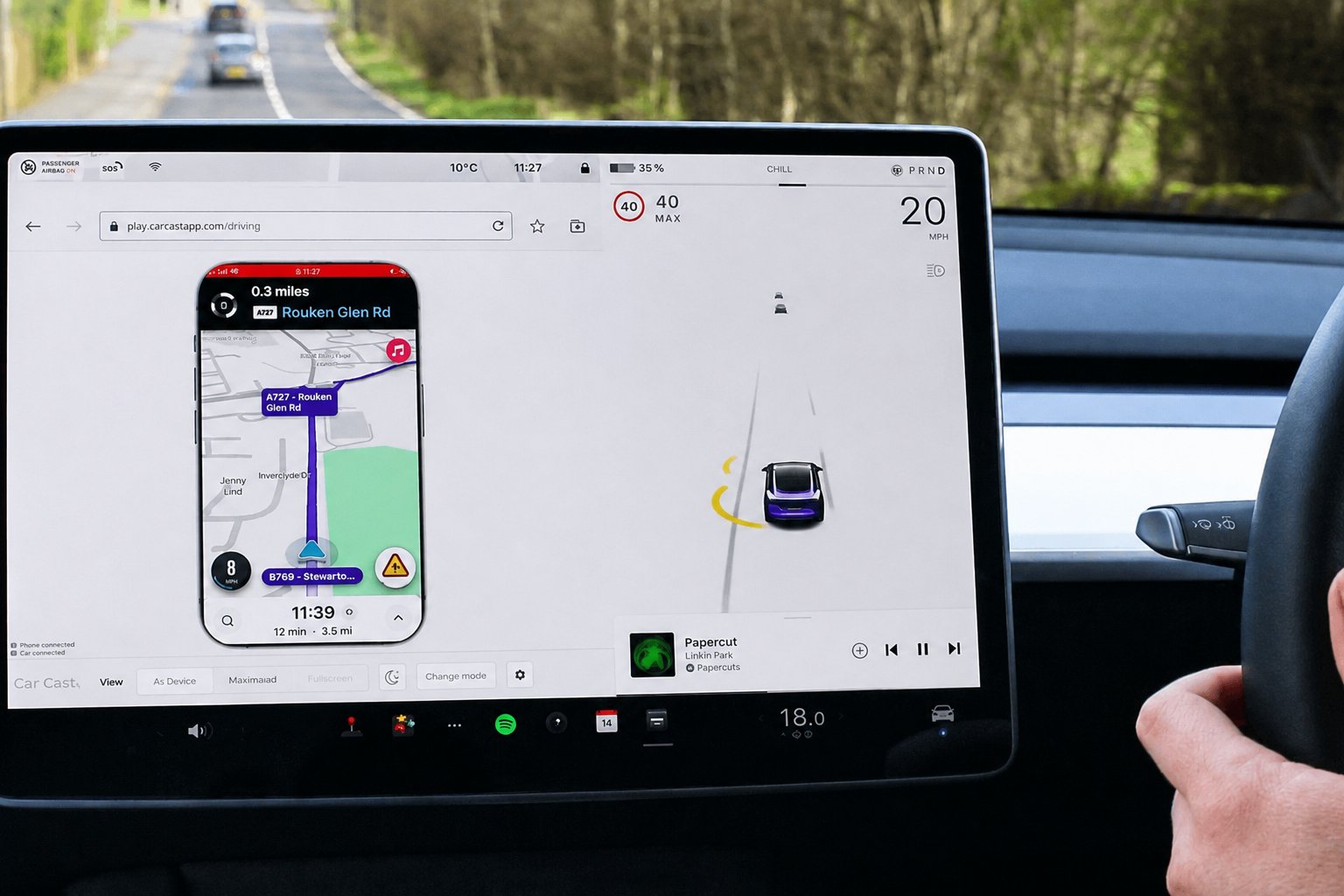
A choice of sat nav
View notifications whilst driving or use a different sat nav app than Tesla's, such as Waze or Google Maps
Easy, one-time setup
Pair your car and phone once for fast and simple repeat use
No technical jargon
Simple to use: no VPNs, proxies or typing out IP addresses required
No hotspot required
Use Premium Connectivity or WiFi with your phone data to enable faster repeat usage
Set up once, cast in seconds
Watch a demonstration of how Car Cast works.
Grab Car Cast free from the App Store or Google Play.
Enter the pairing code shown in the Tesla browser. Takes about a minute.
Open the player in your Tesla browser and pick Park or Drive mode.
Films, calls and maps land on the big screen instantly.
Made for the time you spend in the car, parked or driving
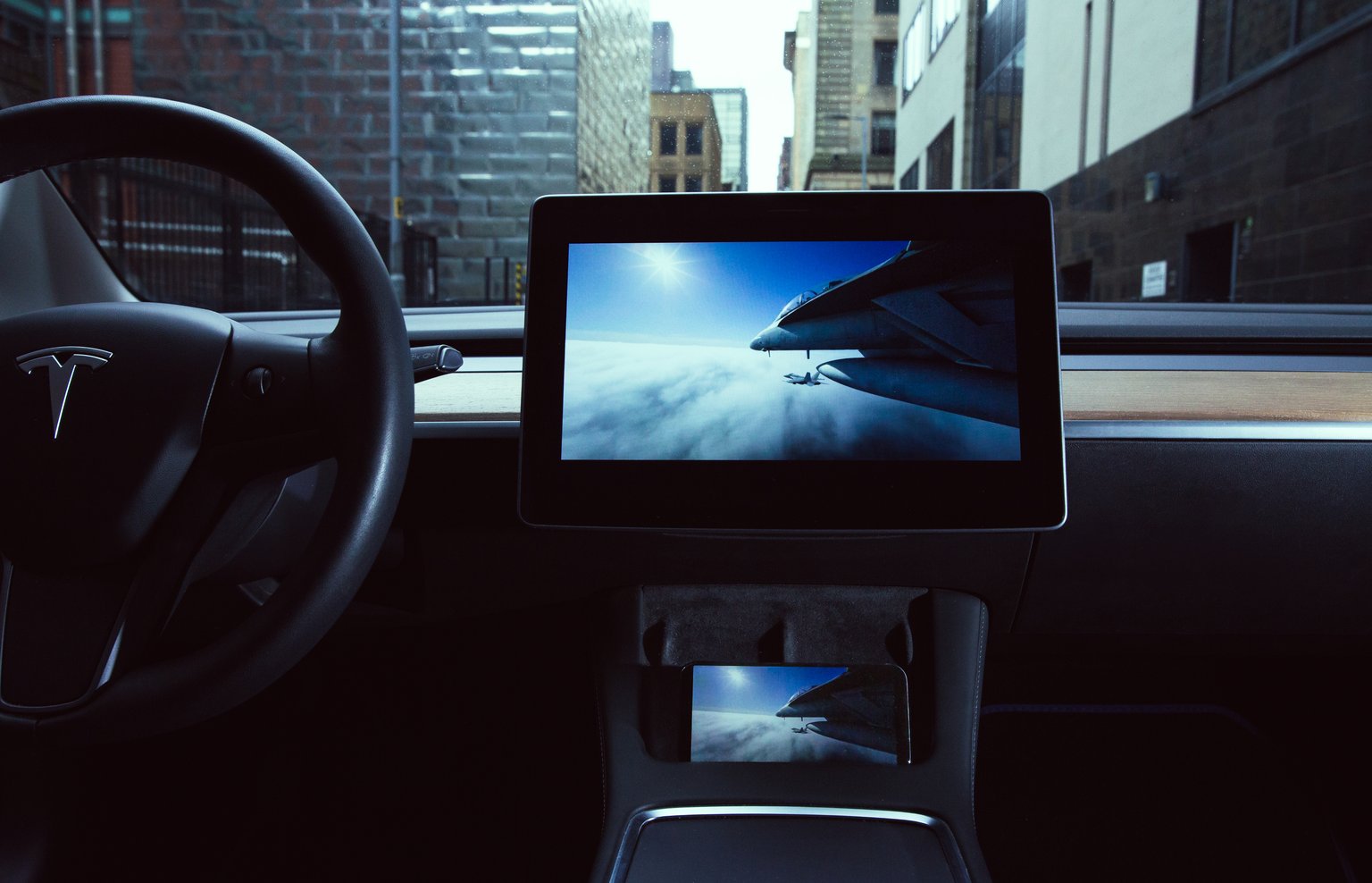
Turn charging stops into screen time
Watch movies or TV shows from your phone: as a phone, maximized in the browser or in fullscreen.
Your maps, your notifications
View notifications whilst driving or use a different sat nav app than Tesla's. Reduced framerate for safer driving.
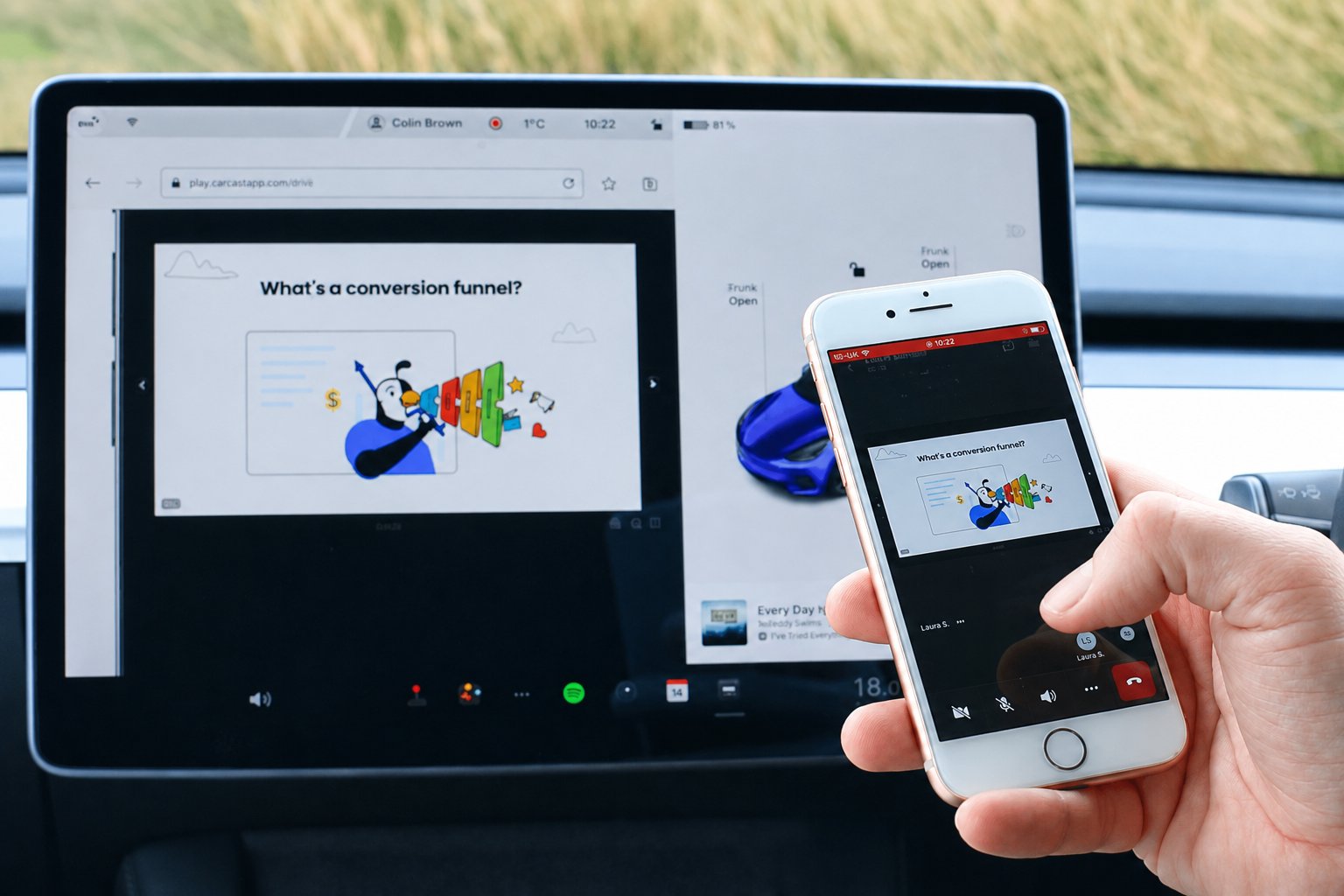
Take the meeting from the driver's seat
Join video calls on your phone and mirror your screen to the Tesla display with a faster framerate optimised for video.
Simple pricing, no surprises
Car Cast is free for 20 minutes of streaming per month, or go unlimited with a weekly or lifetime plan.
Unlimited streaming and access to all Premium features
Unlimited streaming and access to all Premium features. Cancel anytime.
 Premium unlocks unlimited stream time plus video quality and framerate controls up to 1080p HD. The free plan includes 20 minutes of streaming per month.
Frequently asked questions
What is Car Cast?
Car Cast is a phone-to-Tesla screen mirroring app for iPhone and Android. It streams your phone screen to the Tesla display so you can watch movies and TV shows, join video calls, see notifications and use sat nav apps such as Waze or Google Maps.
Do I need a VPN, proxy or hotspot?
No. Car Cast works without VPNs, proxies, hotspots or typing out IP addresses. You can use Tesla Premium Connectivity or WiFi with your phone data for faster repeat usage.
Is Car Cast free?
Yes. The free plan includes 20 minutes of streaming per month with no subscription. For unlimited streaming you can subscribe weekly (cancel anytime) or pay a one-time lifetime fee.
How do I set it up with my Tesla?
Install the app from the App Store or Google Play, then pair your car once by entering the code shown in the Tesla browser. It takes about a minute. After that, open the player link and start streaming; no repeat setup is needed.
Which phones work with Car Cast?
Car Cast supports both iPhone (iOS) and Android phones. The app is available on the Apple App Store and Google Play.
Download the app and start streaming today